
When a team is created, that player becomes the Leader of that team.
A Team Leader has total control over a team, and can promote, demote, or remove any player on that team, as well as edit the team's name, motto, crest, and join requirements. Team Leaders can also promote regular members to Co-Leaders.
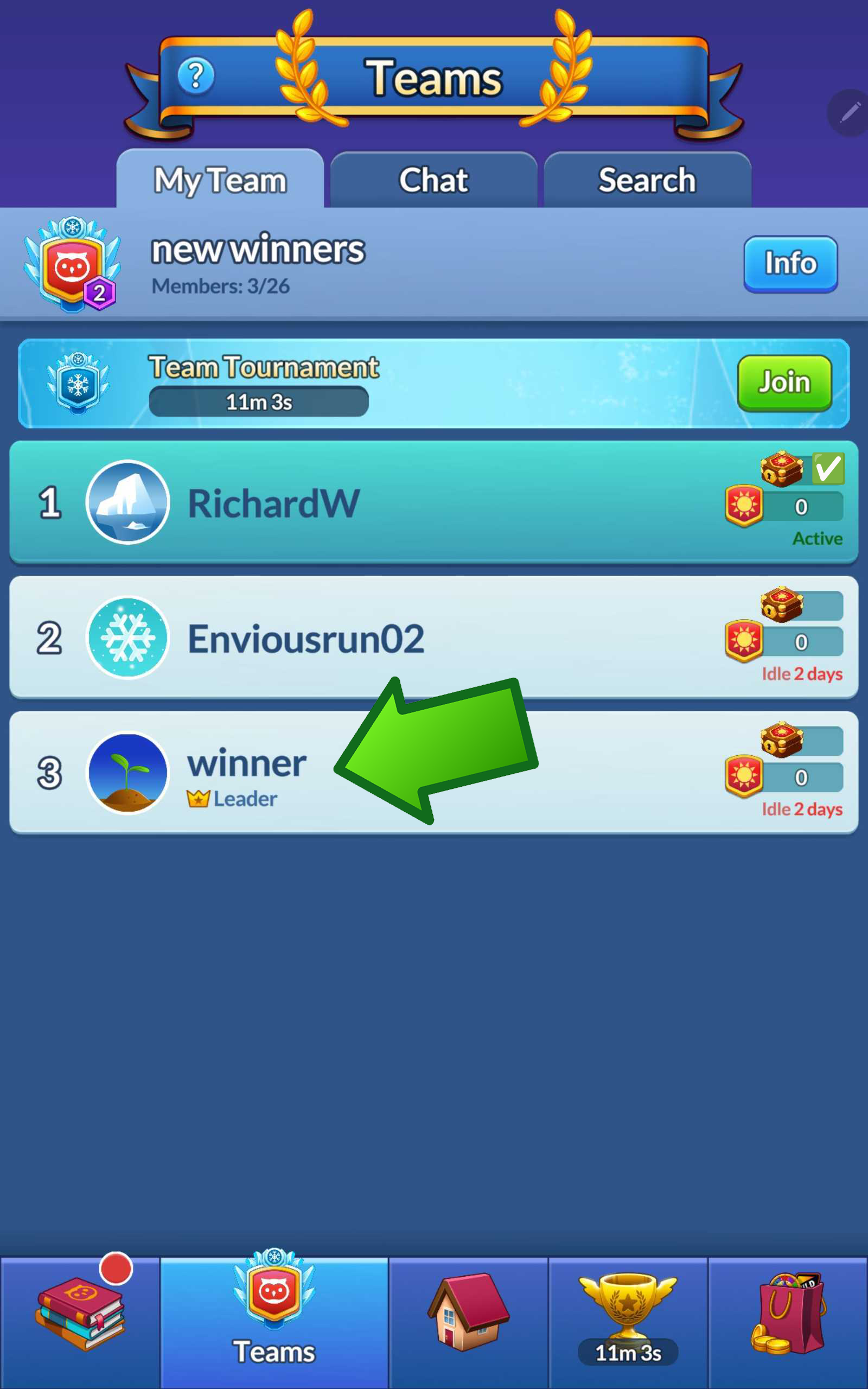
Co-Leaders are deputized team members who can accept or reject Join Requests, and remove regular members, handling day to day activities.
Team Leaders have many tools in order to steward their team for success.
Team Join Requirements
Team Leaders can set Team Join requirements so that players must either meet certain conditions to join a team, or must request to join a team, or both.

Join Requirements
Brilliance - Player must have equal to or greater than X brilliance to join.
Level - Player must be at equal to or greater than X level to join.
NOTE: Join requirements must can only be set by players who have themselves achieved them.
Ex. You must be over level 5000 to set a join level of 5000.
Open or Request
Anyone - Anyone can join a team without invitation
By Request - Joining the team is invitation only
Note: A team must have at least 10 members to open the Team Chest and participate in Team Tournaments!
Player Activity and Player Card
Team Leaders are able to determine who is active or inactive from the My Team page of their Team.
Active Players have completed at least 1 level within 15 minutes.
Inactive Players have not completed at least 1 level within 15 or more minutes.
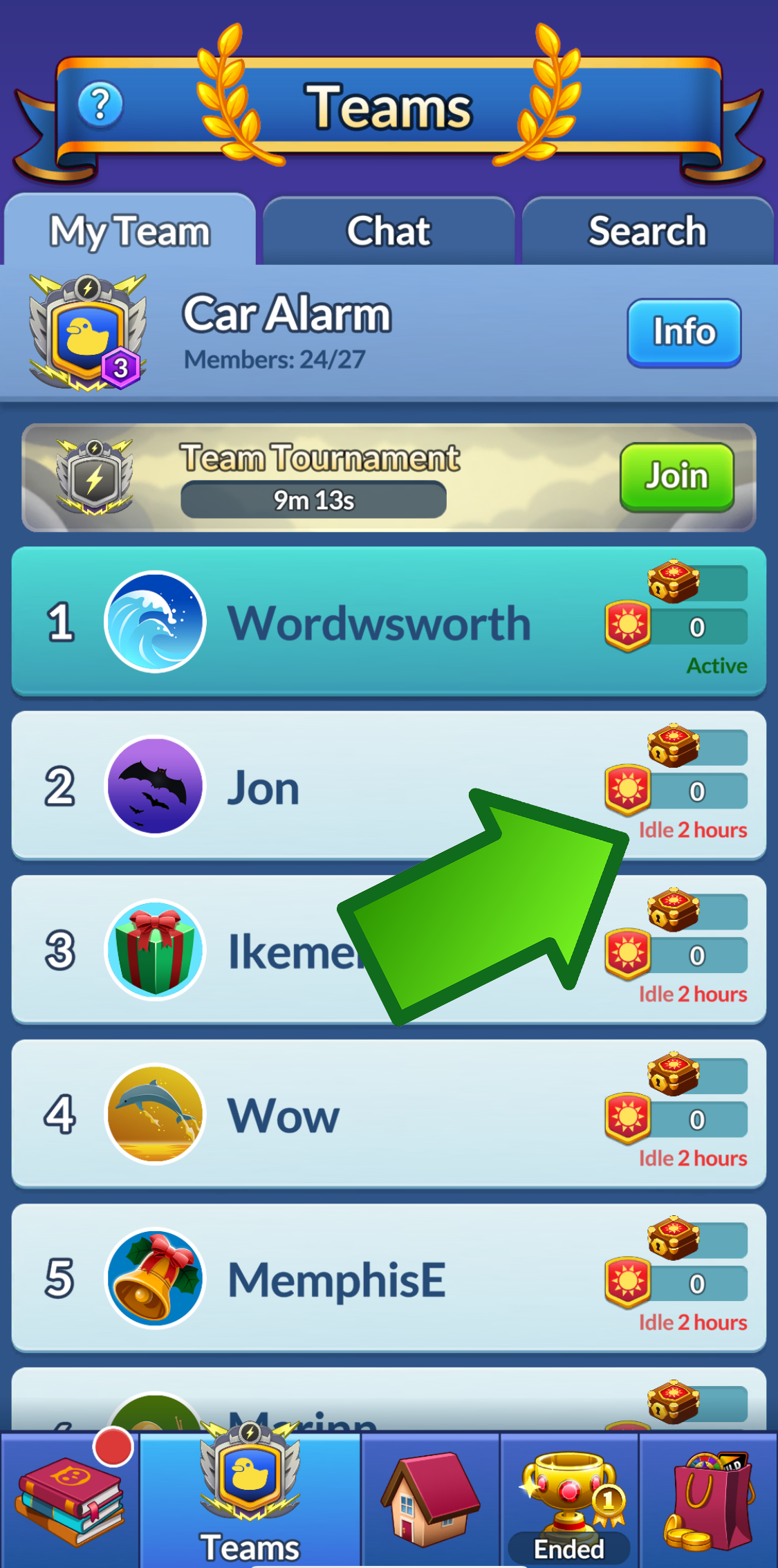
Team Leaders can view each player’s weekly Team Points and see if they’ve contributed to the day’s Team Chest. This information appears on the right side of the player’s card in the My Team tab.
Player Profile
Additional information about a Player can be seen in that Player's profile, viewable by tapping that Player's Player card.
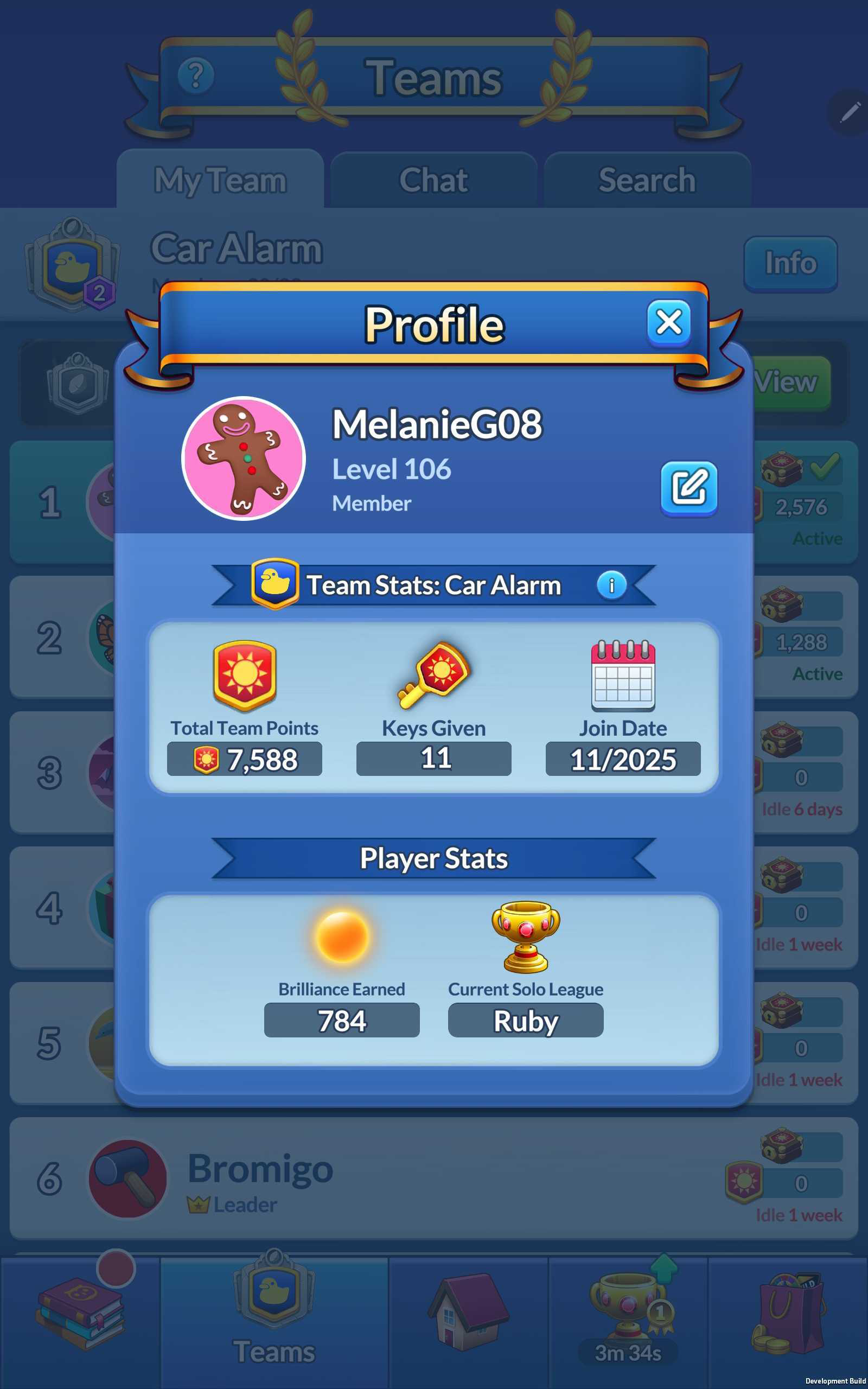
The following information is available:
Player Name, Current Level, and Team Role
Total Team Points ever contributed to a team
Total Keys given to open chests (how often they have contributed to the Team Chest).
Join Date
Total Brilliance of this Player
Current Solo League Qualification
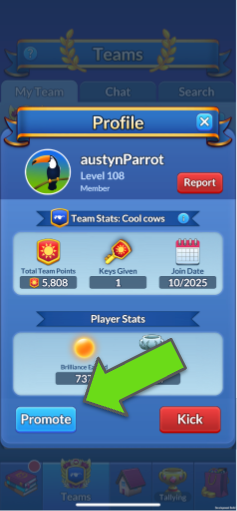
A Team Leader can also use this view to Promote a Player to a Leader / Co-Leader, or demote a player to a regular member. Additionally a Leader can remove a player from this screen.
Team Info
The Team Info screen displays the following information for a Team Leader:
Total Weekly Team Points
Total Team Points ever earned
Total Chests opened
Current Level
Current Team League
Current Team League Benefits
Team Crest, Motto, and current Join requirements
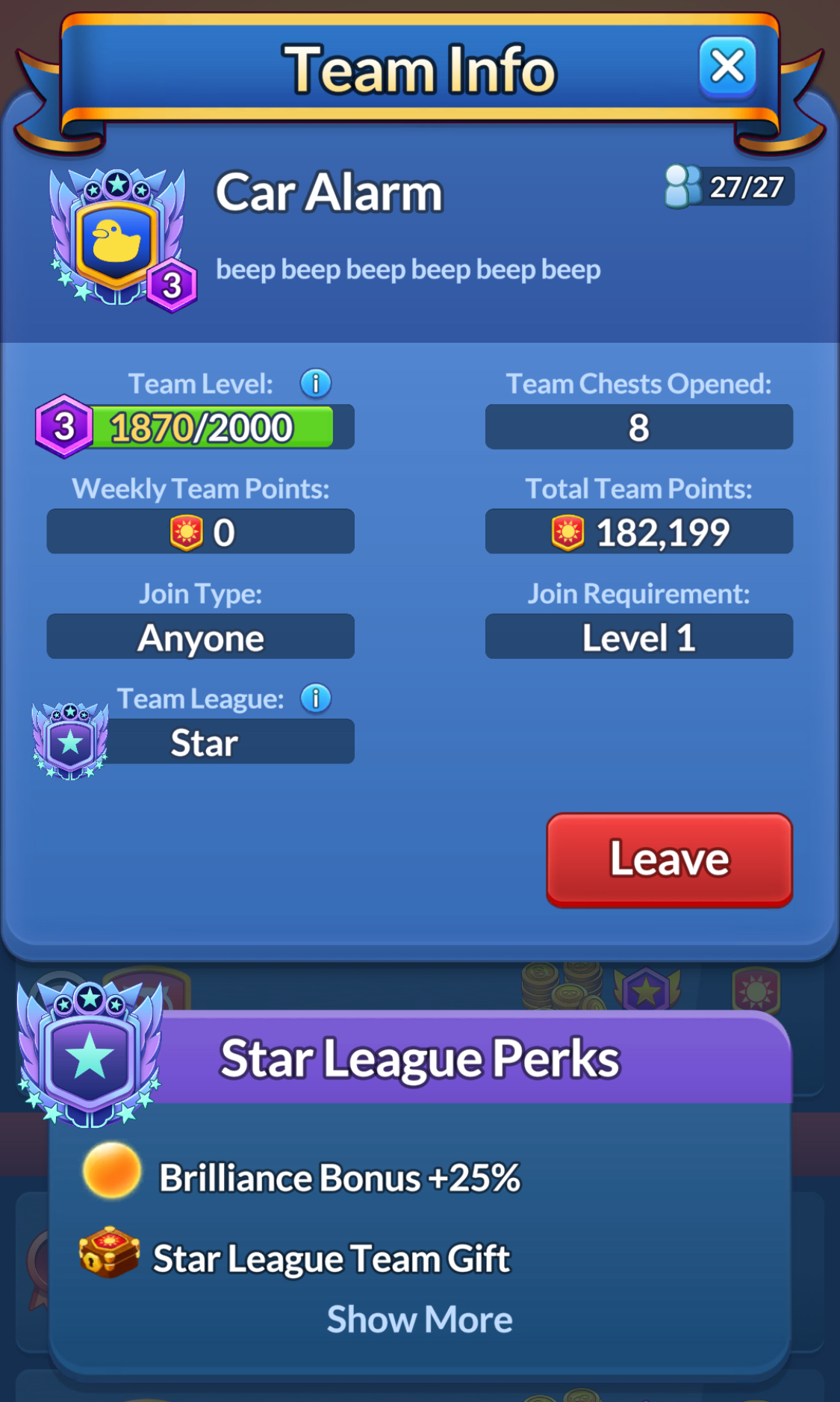
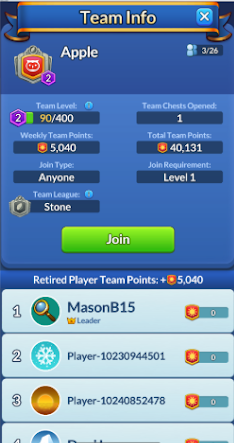
From the Search tab, if a player were to view another team, they would see the same information, including how that week's Weekly Team Points add together for a team competing in that week's League. This view is viewable from the Search tab, and from the other Team's available in this week's team leaderboard.
Team Deletion
A team cannot be deleted until the final player leaves that team. If a Team Leader leaves the team, the next most active Co-Leader will become the Leader. If there are no Co-Leaders, the next most active regular member will become the Leader.