
The chat feature is available to all Players who join a team, allowing members to talk amongst themselves!
The chat feature is useful in allowing teams to coordinate their efforts to achieve group goals, such as competing in the weekly Team Tournament, or opening today's Team Chest… or even discussing the adorableness of Wordsworth. It’s your chat!
You can find the chat feature by navigating to your Team tab on your Nav bar, and tapping the Chat tab within your team. (Note: You must be on a team to use chat)
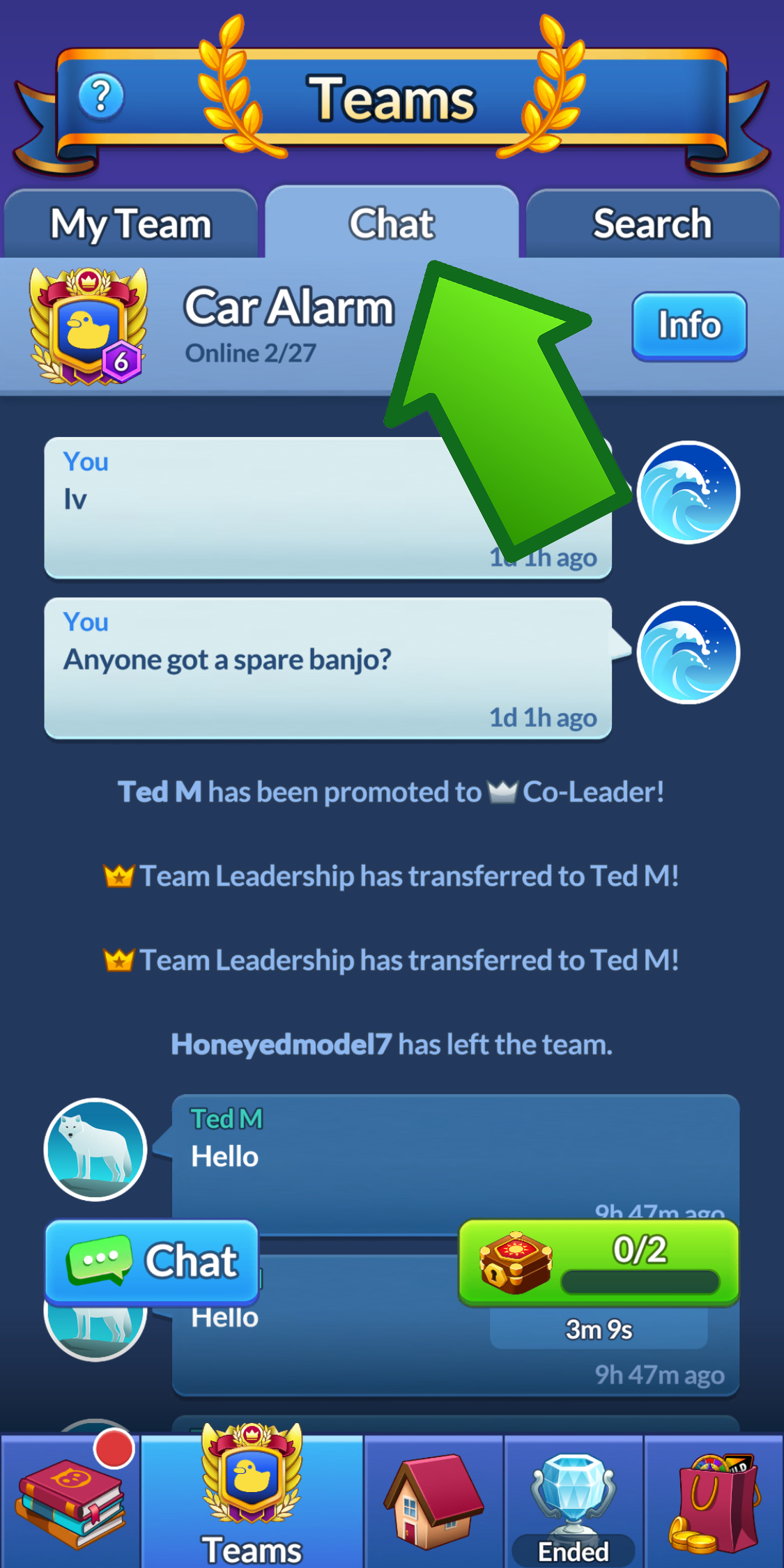
Players can submit messages by tapping the Chat button on the bottom left of the Chat tab, and typing a message in the keyboard that appears.
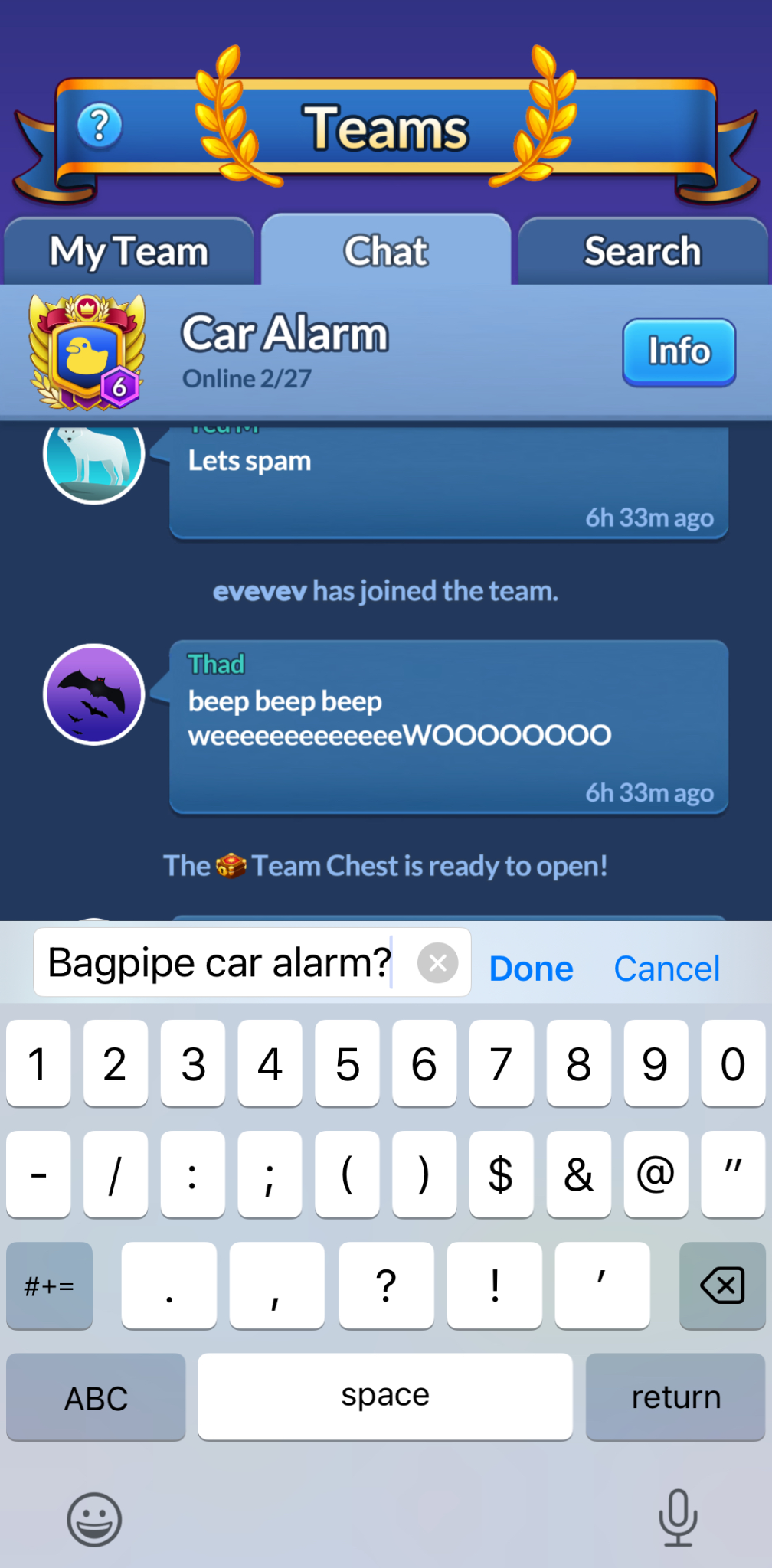
Messages are allowed to be 280 characters long, and can contain emojis!
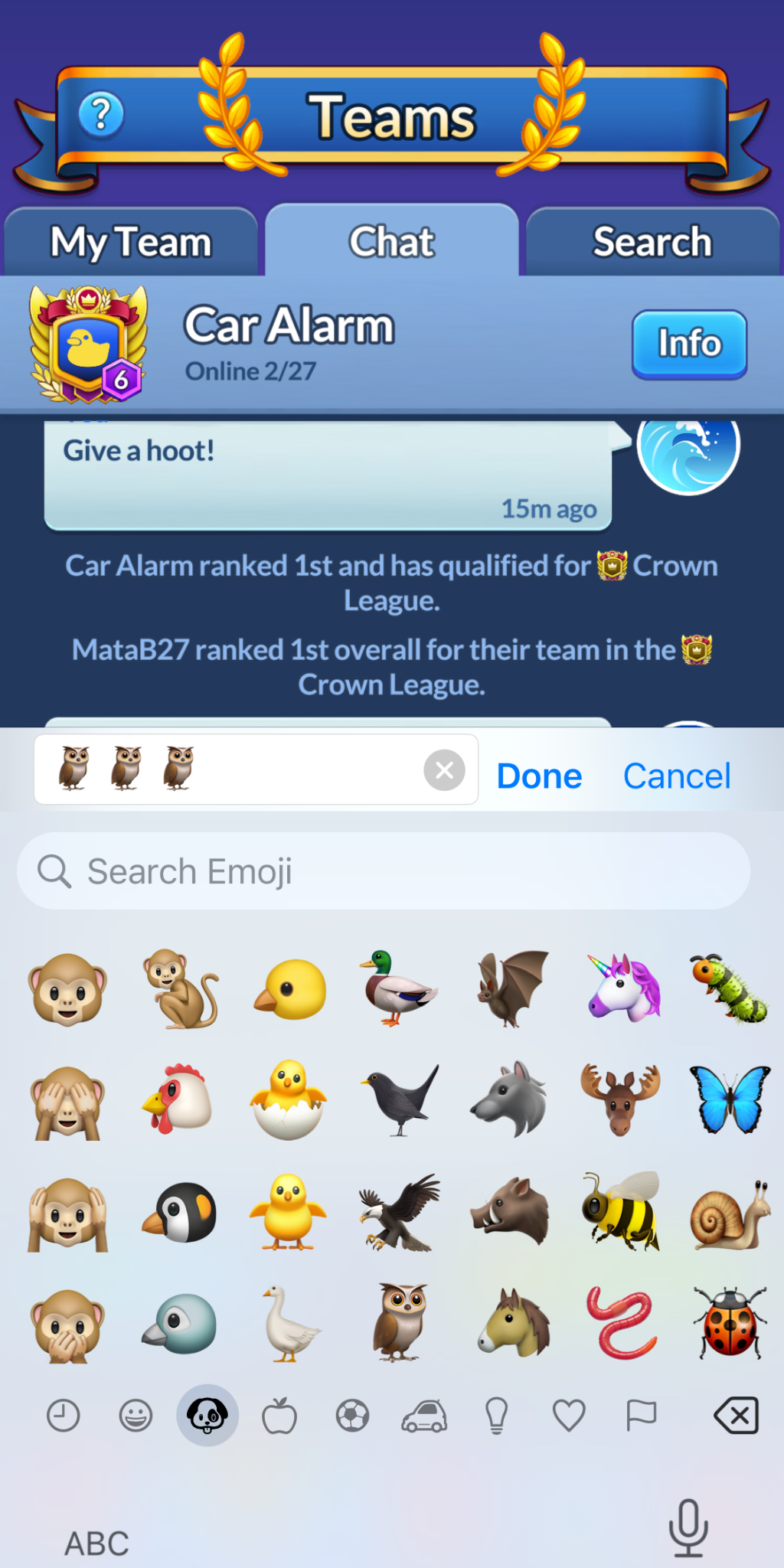
The chat feed refreshes regularly, so you can follow along and communicate with your Team-members, much like any social chat tool.
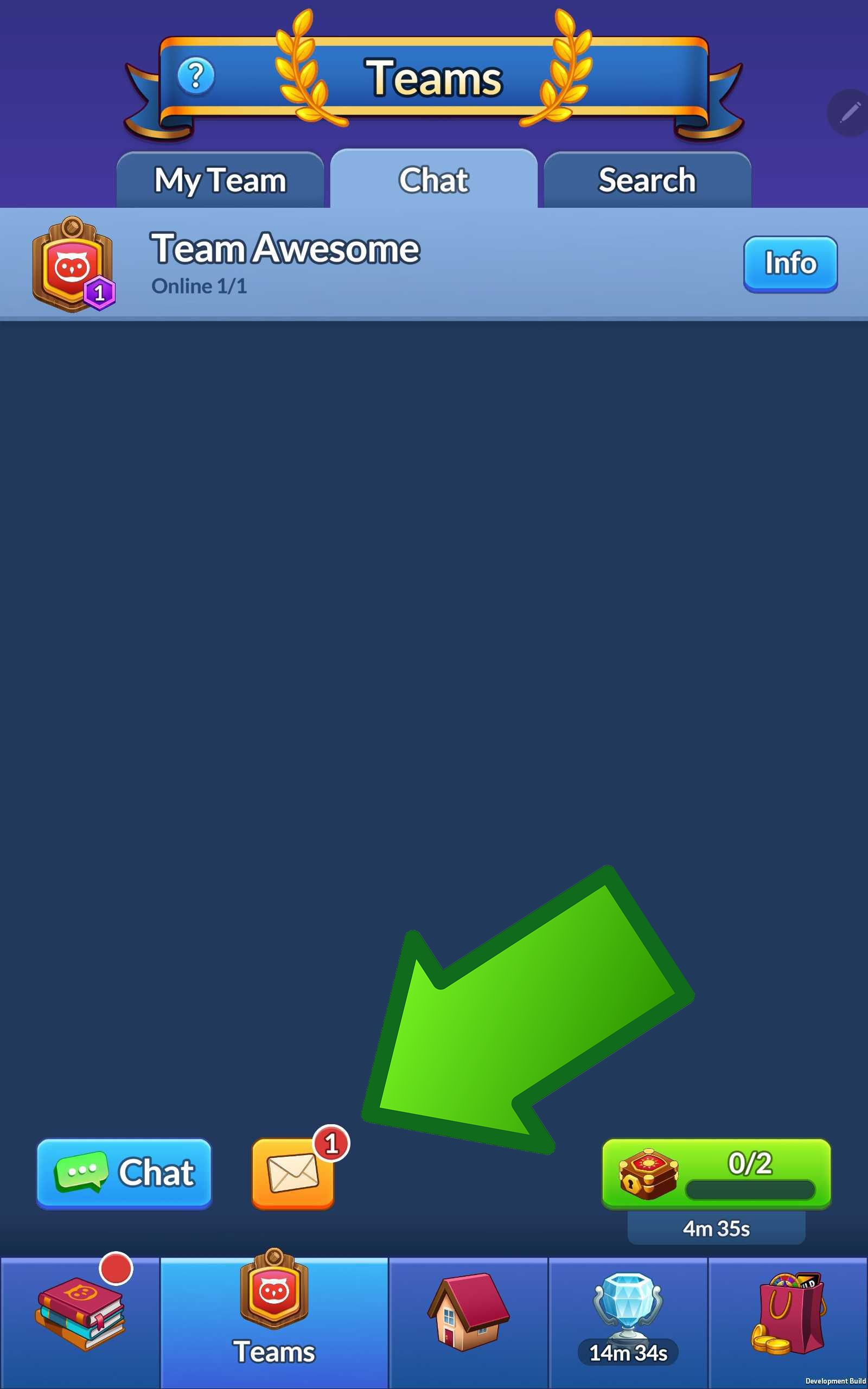
Team Leaders and Co-Leaders can also use the Chat feature to review Team Join requests in the Messages window. (Note: Only Leaders and Co-Leaders can see this feature).
Additionally special events are noted in the Chat feed, such as when Teams win Tournaments, when Players join a team or are promoted, and when a Team Chest is available to open!
Pips appear on the chat tab when a Team Chest is available to open, and when Team Join requests are ready for review.
Finally, chats do not last forever! After about a month or so, or if a Team has a LOT of chat messages, we begin to remove messages from the distant past.
The chat feature uses a phone's native keyboard, so anyone should be able to use the chat tool. If you find your keyboard does funny things in the chat tab, please reach out to Support!